> ## Documentation Index
> Fetch the complete documentation index at: https://docs.junction.com/llms.txt
> Use this file to discover all available pages before exploring further.
# Launching Link
> Launch Junction Link by creating a Link Token on your backend and using it to open the provider connection flow in your application.
Junction Link API covers **only** [cloud-based providers](/wearables/providers/introduction#cloud-based-providers).
Your mobile app has to manage connections with SDK-based providers — such as Apple HealthKit and Android Health
Connect — through the [Junction Mobile Health SDK](/wearables/sdks/health/overview), separately from Junction Link.
Create a Junction Link Token for a user using the [Create Link Token](/api-reference/link/generate-link-token) endpoint.
A Junction Link Token expires 60 minutes after its creation.
```typescript TypeScript theme={null}
import { JunctionClient, JunctionEnvironment } from "@junction-api/sdk";
const client = new JunctionClient({
apiKey: "YOUR_API_KEY",
environment: JunctionEnvironment.Sandbox,
});
const data = await client.link.token({
userId: "",
provider: "oura",
});
```
```python Python theme={null}
from junction import Junction, Providers
from junction.environment import JunctionEnvironment
client = Junction(
api_key="YOUR_API_KEY",
environment=JunctionEnvironment.SANDBOX,
)
data = client.link.token(user_id="", provider=Providers.OURA)
```
```java Java theme={null}
import com.junction.api.Junction;
import com.junction.api.core.Environment;
import com.junction.api.resources.link.requests.LinkTokenExchange;
import com.junction.api.types.Providers;
Junction client = Junction.builder()
.apiKey("YOUR_API_KEY")
.environment(Environment.SANDBOX)
.build();
var data = client.link().token(
LinkTokenExchange.builder()
.userId("")
.provider(Providers.OURA)
.build()
);
```
```go Go theme={null}
import (
"context"
junction "github.com/junction-api/junction-go"
"github.com/junction-api/junction-go/client"
"github.com/junction-api/junction-go/option"
)
c := client.NewClient(
option.WithApiKey("YOUR_API_KEY"),
option.WithBaseURL(junction.Environments.Sandbox),
)
provider := junction.ProvidersOura
response, err := c.Link.Token(context.TODO(), &junction.LinkTokenExchange{
UserId: "",
Provider: &provider,
})
if err != nil {
return err
}
fmt.Printf("Received data %s\n", response)
```
```bash cURL theme={null}
curl --request POST \
--url {{BASE_URL}}/v2/link/token \
--header 'Accept: application/json' \
--header 'Content-Type: application/json' \
--header 'x-vital-api-key: '
```
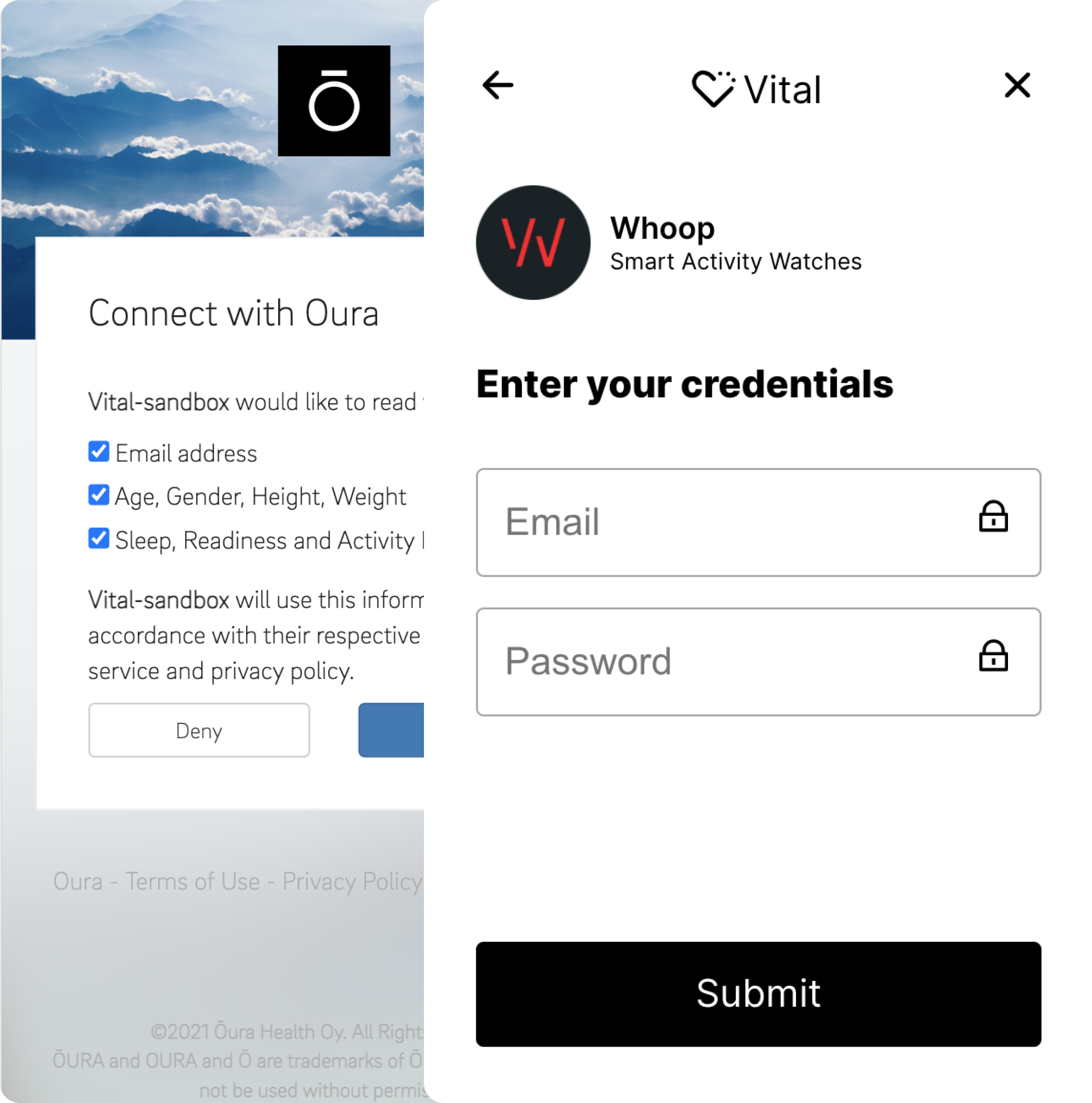
Use the Link Token to [launch the Link Widget](/wearables/connecting-providers/link_flow) on your frontend.
{" "}
You can launch the Junction Link Widget using the Link Web URL (`link_web_url`) as provided by the
[Generate a Link Token endpoint](/api-reference/link/generate-link-token):
* If you have created the Link Token for a specific OAuth provider, Junction Link will dispatch
the user automatically to the provider's sign-in page.
* Otherwise, your user will be presented with a list of providers to connect to. You can
customize the list via the `filter_on_providers` parameter when creating the Link Token.
When the Link flow completes, the flow will redirect to the `redirect_url` you specified earlier
when creating the Link Token. We will also append query parameters to the redirection target
based on the Link flow outcome:
| Flow state | Query parameters |
| ---------- | ---------------------------------------------------------- |
| Success | `state=success` |
| Error | See [Link Errors](/wearables/connecting-providers/errors). |
```js Launching Junction-Link theme={null}
import 'react-app-polyfill/ie11';
import * as React from 'react';
import * as ReactDOM from 'react-dom';
import { useCallback } from 'react';
import { useVitalLink } from '@tryvital/vital-link';
import { useState } from 'react';
const API_URL = process.env.API_URL ? process.env.API_URL : "http://localhost:3001"
const getTokenFromBackend = async (userKey: string, env: string) => {
const resp = await fetch();
return await resp.json();
};
const App = props => {
const userKey = '560596b9-924b-4af9-a670-cf21870fdac5';
const [isLoading, setLoading] = useState(false);
const onSuccess = useCallback(metadata => {
// Device is now connected.
}, []);
const onExit = useCallback(metadata => {
// User has quit the link flow.
}, []);
const onError = useCallback(metadata => {
// Error encountered in connecting device.
}, []);
const config = {
onSuccess,
onExit,
onError,
env: "sandbox"
};
const { open, ready, error } = useVitalLink(config);
const handleVitalOpen = async () => {
setLoading(true);
const token = await getTokenFromBackend(userKey, "sandbox");
open(token);
setLoading(false);
};
return (
);
};
ReactDOM.render(, document.getElementById('root'));
```
 {" "}
{" "}