> ## Documentation Index
> Fetch the complete documentation index at: https://docs.junction.com/llms.txt
> Use this file to discover all available pages before exploring further.
# Garmin
> Understand Garmin webhook behavior where historical data is delivered incrementally as daily events rather than being available immediately.
## Webhooks & Events
Garmin connections have a non-standard [webhook lifecycle](/webhooks/introduction):
You will receive a [Provider Connection Created event](/webhooks/introduction#connection-created-stage) normally.
You would receive a [Historical Pull Completion event](/webhooks/introduction#historical-data-backfill-stage) **immediately** after the connection creation.
However, if you query Junction API immediately, you would observe **no historical data**.
The Historical Pull Completion event for Garmin connections does not indicate availability of historical data through the Junction API.
All **historical and new data** are delivered incrementally as [Data Events](/webhooks/introduction#incremental-data-stage) (`daily.data.*.*`).
This behavior is exclusive to Garmin, as a downstream effect of Garmin's unique historical data access mechanism for third-party integrations.
## Re-running the historical data backfill stage
Normally, when a user with an existing connection re-authenticates with the provider through [Junction Link](/wearables/connecting-providers/introduction), Junction re-runs
the [Historical Data Backfill stage](/webhooks/introduction#historical-data-backfill-stage) automatically.
However, this **does not apply to Garmin** connections — you must first [deregister](/api-reference/user/deregister-a-provider) said user's existing Garmin connection for the re-run to take effect.
This behavior is exclusive to Garmin, as a downstream effect of Garmin's unique historical data access mechanism for third-party integrations.
## Junction Widget
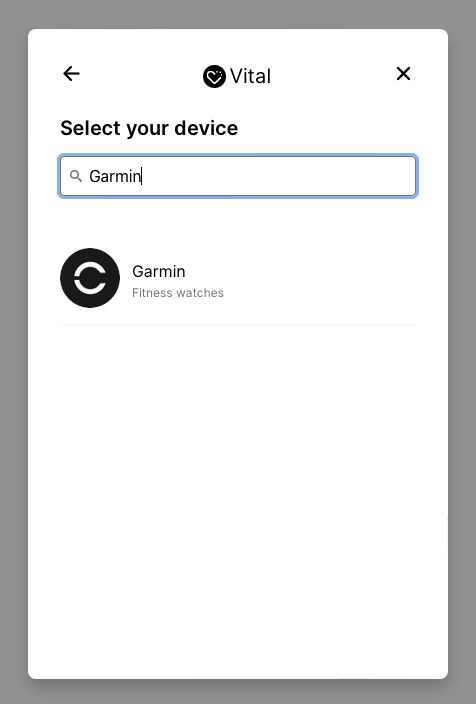
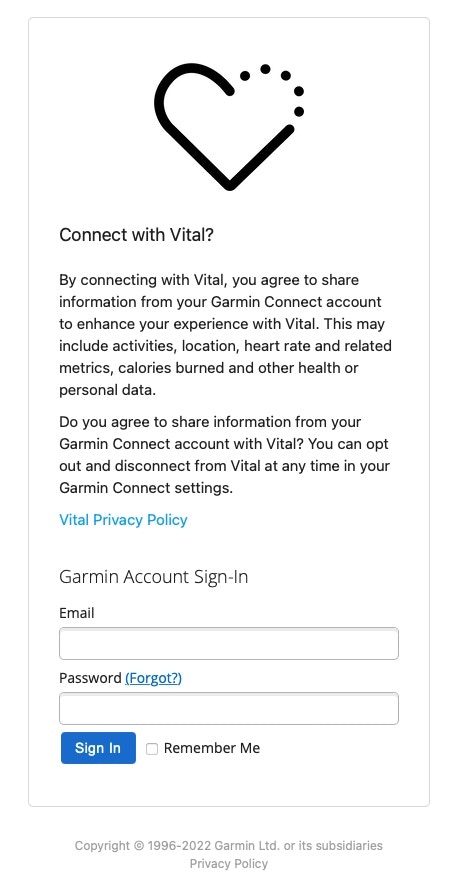
To connect your device with the *widget*, follow the link wizard and enter your username and password.